
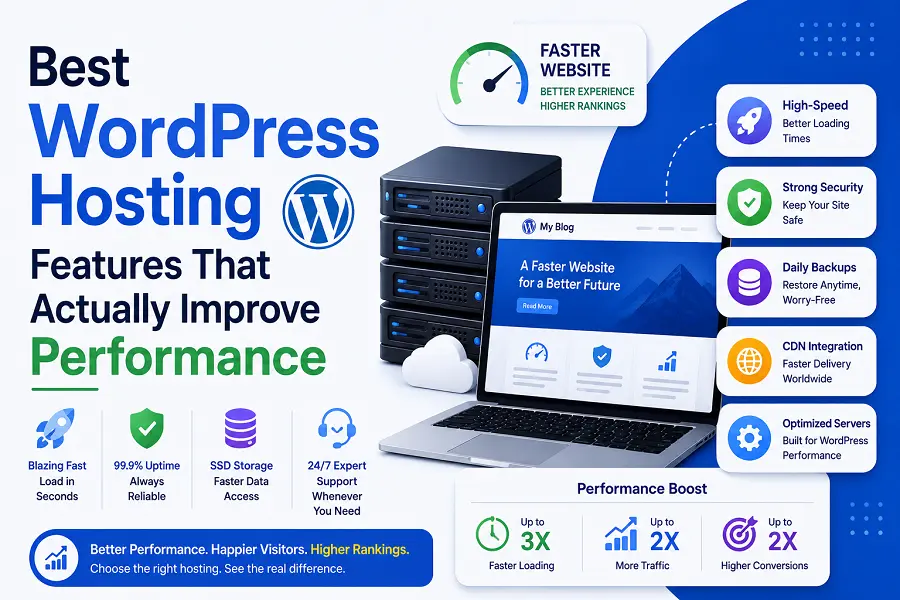
Choosing the right infrastructure for a website directly impacts user retention and organic visibility. Many hosting providers mask mediocre technology behind complex marketing jargon. True performance stems from server-level efficiencies, modern software stacks, and intelligent resource allocation. Evaluating a host based on tangible hardware and software capabilities ensures a fast, stable digital presence.
1. Advanced Server Architecture and Hardware
The physical and virtual foundations of a server dictate the raw computing speed available to a website. Modern environments move away from legacy hard drives and restrictive processing limits to eliminate hardware-level bottlenecks.
-
NVMe Storage Protocols: Non-Volatile Memory Express (NVMe) drives handle data transfer significantly faster than traditional solid-state drives. This speed directly reduces the time required to fetch database entries and load heavy media files.
-
Isolated Containerization: Modern cloud architecture assigns dedicated resources to individual websites. This isolation ensures that traffic spikes on neighboring sites do not drain processing power or memory from yours.
-
Latest PHP Engine Integration: WordPress relies entirely on PHP execution. Access to the most recent PHP version optimizes script execution times, lowers memory consumption, and introduces critical security updates.
-
HTTP/3 Network Protocols: Utilizing the latest internet protocol streamlines data transmission over UDP (User Datagram Protocol), reducing connection latency for mobile users on unstable networks.
2. Server-Level Caching and Optimization Stacks
Relying solely on external plugins to speed up a website often introduces software bloat and execution delays. Implementing optimization features directly within the hosting environment provides a much higher level of efficiency.
-
Built-In Object Caching: Systems like Redis or Memcached store database query results in the server’s RAM. Instead of querying the database every time a user views a page, the server delivers the cached data instantly.
-
Full-Page Edge Caching: This process saves pre-rendered HTML copies of a website across a global network of servers. Users access the data from the closest physical geographic location, dropping Time to First Byte (TTFB) to milliseconds.
-
LiteSpeed or Nginx Server Deployments: These modern web server architectures manage concurrent traffic much better than legacy Apache setups. They process high volumes of simultaneous requests without crashing or dropping connection speeds.
-
Automated Database Optimization: Scheduled server-side cleaning removes expired transients, spam comments, and post revisions, keeping the database lean and responsive.
3. Automated Scalability and Resource Management
Static hosting plans often fail when a business expands or experiences seasonal traffic surges. High-performance hosting platforms counter this vulnerability by offering flexible, automated resource deployment.
Dynamic resource scaling automatically injects extra CPU power and RAM during unexpected traffic influxes, maintaining consistent page speeds without manual intervention. This safety net prevents server overloads and ensures that marketing campaigns or viral content do not cause downtime. Additionally, professional environments feature staging platforms that mirror production environments identically. Testing theme updates, core files, and plugins on a staging container protects the live site from unforeseen code conflicts that could degrade performance or break user experiences.
Conclusion
Upgrading a web hosting environment is a strategic investment in a site’s foundational speed. Prioritizing NVMe hardware, advanced server-level caching engines, and elastic scalability addresses the core components of site health. Choosing a platform built specifically around these technological assets guarantees a fast, resilient visitor experience.
FAQs
What is TTFB, and why does web hosting affect it?
Time to First Byte measures the delay between a user requesting a page and the server delivering the initial byte of data. Web hosting controls this completely through server responsiveness, physical proximity, and configuration efficiency.
Can server-level caching completely replace WordPress optimization plugins?
Server-level caching handles page and database optimization far more efficiently than plugins. However, asset optimization plugins are still useful for minimizing file sizes, deferring scripts, and compressing individual images.
How does the PHP version influence website speed?
Every major update to the PHP engine refines how code is compiled and processed. Running an updated version allows the server to execute theme and plugin requests much faster while using less memory.
What is the difference between standard SSDs and NVMe storage?
Standard SSDs connect via older interfaces originally designed for mechanical hard drives, limiting their maximum speed. NVMe drives connect directly to the server motherboard, offering vastly superior read and write capabilities.
Why is isolated containerization better than traditional shared hosting?
Traditional setups bundle hundreds of sites onto a single server with shared resources, allowing one compromised or high-traffic site to slow down all others. Containerization walls off resources, guaranteeing your site’s performance remains independent.

