The architecture of WordPress makes it a powerful content management system, but its default configurations often lead publishers into silent optimization traps. Many site owners install a standard theme, activate a popular SEO plugin, and assume their technical foundation is secure. However, modern search algorithms have evolved to prioritize granular user experience metrics and technical precision, rendering old-school optimization shortcuts obsolete.
Failing to adapt your WordPress configuration to contemporary search expectations actively compromises your visibility in organic listings and AI-generated overviews. Eliminating these structural oversights requires moving beyond basic keyword placement. By addressing hidden indexing conflicts, bloated code dependencies, and internal architectural flaws, you can unlock the full ranking potential of your digital asset.
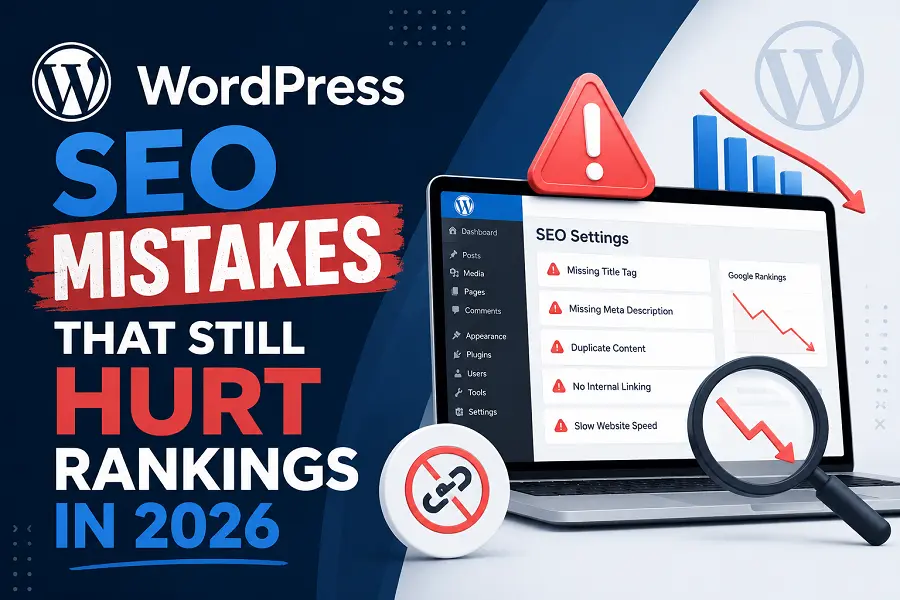
Blindly Trusting SEO Plugin Green Lights and Automated Settings
One of the most pervasive technical missteps is treating an SEO plugin’s grading system as an absolute measure of search readiness. These tools rely on rigid, pre-programmed formulas that count keyword density and analyze exact-match phrases. Relying solely on these arbitrary metrics often results in clinical, over-optimized text that alienates human readers and triggers quality filtering algorithms.
Over-reliance on automated configurations introduces several hidden structural vulnerabilities:
-
Bloated XML Sitemaps: Plugins frequently index unnecessary taxonomies, such as format archives, tag pages, and author profiles for single-author sites, diluting crawl budget.
-
Automated Attachment Pages: Default media settings can create standalone URLs for every uploaded image, creating thousands of thin-content pages that degrade overall domain authority.
-
Incompatible Canonical Tags: Allowing automated systems to guess preferred URLs frequently results in self-referential loops or conflicting parameters across localized content variations.
-
Plugin Script Overload: Running multiple security, optimization, and structural plugins simultaneously forces competitive JavaScript files to load on every page, slowing down server response times.
Overlooking Bloated Themes and Core Web Vitals Failure
Modern search engines place massive emphasis on page performance and visual stability. Many publishers choose visually complex WordPress themes loaded with pre-packaged page builders, extensive slider scripts, and excessive CSS animations. While these features may look appealing on a desktop monitor, they create massive code bloat that destroys mobile performance.
Fixing these performance bottlenecks requires a aggressive approach to database hygiene and asset loading:
-
Eliminating Critical Rendering Path Blockers: Deferring non-essential JavaScript and style sheets so the primary textual and visual layout renders instantly for mobile visitors.
-
Enforcing Missing Image Dimensions: Explicitly defining width and height attributes within your media library to prevent sudden layout shifts while a page loads.
-
Purging Orphaned Database Tables: Cleaning up residual data left behind by uninstalled plugins, which bogs down server query execution speeds during traffic spikes.
-
Implementing Aggressive Server-Side Caching: Shifting from heavy, database-dependent page assembly to fast, static HTML delivery at the host level.
Neglecting Internal Link Equity and Taxonomy Chaos
As a WordPress site grows, its internal structure naturally decays if left unmanaged. Many creators use tags and categories interchangeably, creating an administrative maze that confuses search crawlers. When hundreds of temporary tags generate empty or near-identical archive structures, your highest-value URLs end up competing against your own administrative pages.
A disorganized internal ecosystem prevents search engines from understanding the topical hierarchy of your content. To maximize your search presence, your primary articles must be structurally linked from relevant contextual anchors across the domain. Allowing valuable context to sit isolated in deep subfolders without intentional internal pathways guarantees it will remain invisible to both users and algorithmic parsers.
Conclusion
Securing high rankings requires a meticulous approach to technical precision and editorial depth. WordPress is an excellent vehicle for content delivery, but it requires active optimization to counter default inefficiencies. By auditing your plugin dependencies, enforcing strict mobile performance standards, and organizing your internal site architecture, you protect your digital platform from costly visibility penalties.
FAQs
Why is my WordPress site losing traffic despite having perfect green lights in my SEO plugin?
Search algorithms prioritize genuine informational value, unique user insights, and page speed over mechanical keyword frequency. A green checklist cannot verify if your content genuinely solves a reader’s problem or if your page loads too slowly on mobile networks.
How do WordPress tags harm my site’s organic search performance?
Creating unique tags for every post generates infinite thin-content archive URLs. Search engines crawl these low-value index pages instead of focusing on your comprehensive articles, wasting your domain’s allocated crawl resources.
Should I completely avoid using drag-and-drop page builders for blog posts?
While acceptable for visual landing pages, heavy page builders add massive amounts of redundant nested code to standard editorial posts. For long-form informational content, sticking to the native WordPress block editor ensures cleaner, faster-loading HTML structures.
How can I stop WordPress from creating thin content out of my uploaded images?
Review your media settings or use an optimization plugin to ensure that media attachment URLs redirect automatically to the actual parent post. This prevents search engines from indexing empty pages that contain nothing but a single graphic.
Does web hosting affect my WordPress site’s search engine visibility?
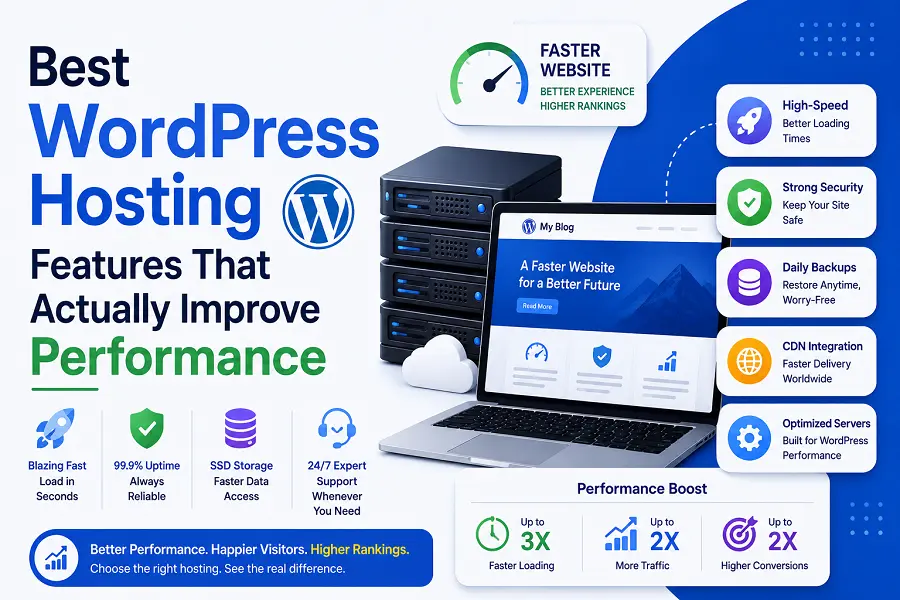
Cheap shared hosting environments suffer from slow Time to First Byte (TTFB) and frequent micro-downtime. If a search engine attempts to crawl your site during a server lag spike, your performance metrics drop, which directly dampens ranking potential.